Finding Chirpy theme favicon discrepancies with the artifact.tar file
iangge Blog Lore
Fun Fact: The favicon of this blog (aka the browser tab icon) is a monarch butterfly because I used to be obsessed with butterflies as a kid. My parents would buy me so many books on bugs and insects, and I always made sure to catch all the bug types in Pokemon. I used to think I’d grow up to be some type of entomologist.
However, reality set in and I realized I’m more of a computer guy than a biologist. The barrier to entry for IT is conveniently not as high as it is for entomological research. That being said, I’m still fascinated by butterflies.
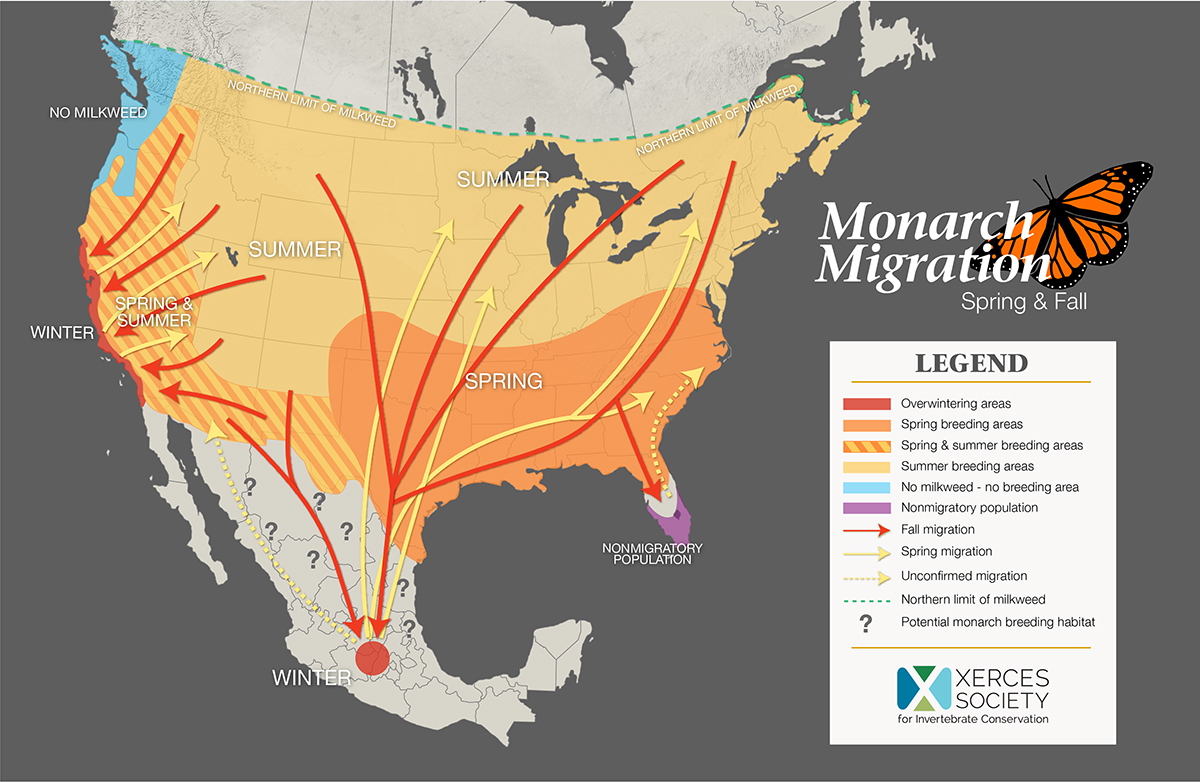
It’s crazy how caterpillars make a cocoon, get turned into soup when they metamorphose, and then emerge as butterflies. Monarch butterflies in partcular fascinate me with the way they instinctually know to migrate thousands of miles. That is why I chose them sepcifically to be the favicon for this blog. There’s so much we still don’t know about butterflies.
Favicon Troubles
In less exciting news, I was stuck on figuring out how to have my monarch butterfly favicon show up on this blog. It would display when testing the blog locally, but the default Chirpy theme favicon always replaced it when I would publicly deploy the site to GitHub Pages. Don’t get me wrong, the Chirpy ant favicon is neat. I just wanted my butterfly one to show up. To make matters worse, the butterfly favicon would deploy on mobile but not on desktop.

The default ant one was the favicon for about half a year because I just couldn’t figure it out.
Issue
Custom butterfly favicon shows up locally but not when deploying to GitHub pages. The default ant favicon shows up instead of the butterfly one on desktop’s production deployment.
Diagnosis
Downloading the artifact.tar file revealed that not every resolution had a corresponding custom favicon file in the assets>img>favicons directory. The favicon-96x96.png and favicon.svg files still displayed the default ant favicon because I was missing butterfly favicon files for those dimensions.
The butterfly favicon showed up only on mobile but not desktop because I had the files for mobile’s dimensions but not the 96x96 or favicon.svg files for desktop.
Note on artifact.tar
“An artifact is a file or collection of files produced during a workflow run.”(GitHub Docs)
artifact.tar is a zip file generated by GitHub Actions that stores all the static assets of a website, such as the code and images. Looking into that file helped us identify the favicon discrepancies between the local and production deployments.
Solution
Generating butterfly favicon files for favicon-96x96.png and favicon.svg dimensions and placing them in assets>img>favicons.
After adding those files, the deployed website loaded with the custom favicons I wanted.
Chirpy Community
I saw that other people with the same blog theme were also having issues customizing the favicon. This blog had a related issue with a similar fix. Meanwhile, this author struggled with the documentation as well. There’s even been a request on the original repo for there to be an easier way to customize the favicon.
The process isn’t terribly complicated, but it definitely seems that myself and others ran into difficulties when changing the favicon. Hopefully this post helps anyone who struggled with the same issue on their blog.